
Figma basics workshop
- Next date
- 24.06.2026
- Duration
- 1 day
- Level
- Basic
- Price
- €890 per person plus VAT
- Location
- Online, on site
- In-house available
- Yes
Summary
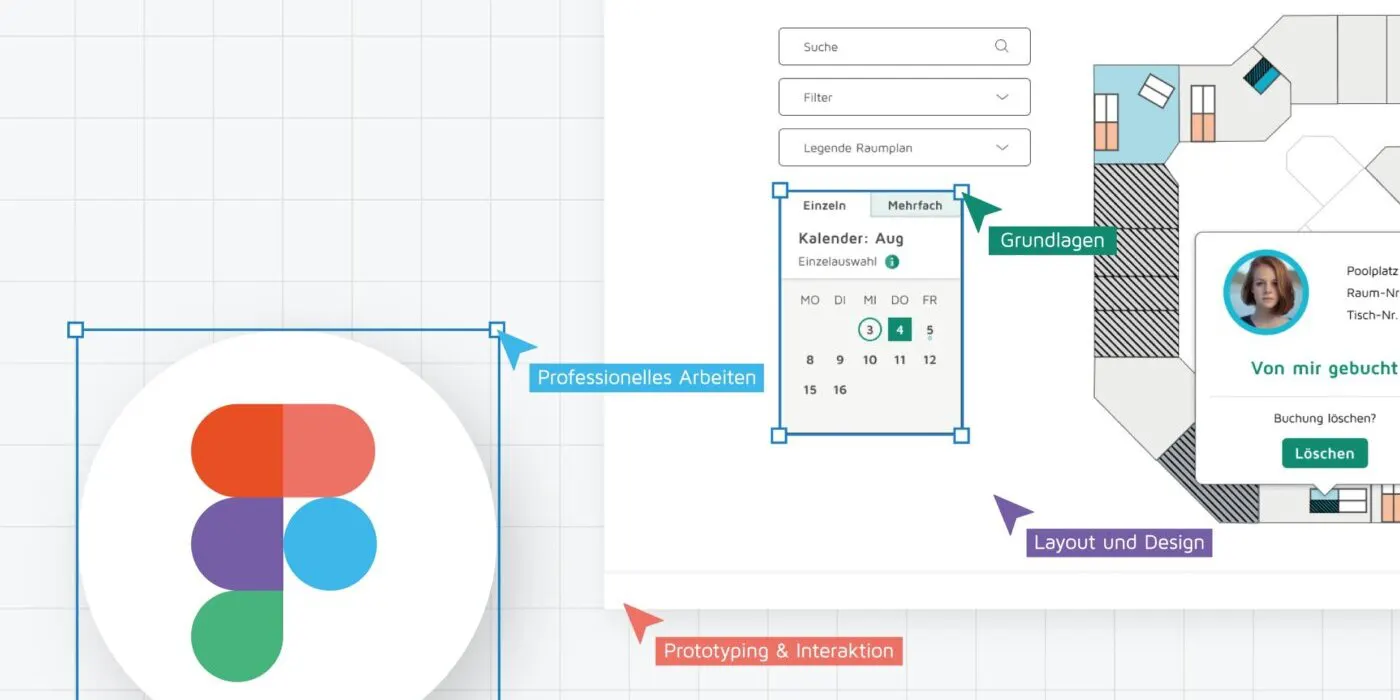
This workshop goes deep into Figma, the versatile design tool that UX and UI designers have taken to. The course was built to give you a well-founded introduction to working with Figma and to explain what matters most about it.
Figma offers a wide range of ways to design and prototype user interfaces. From the first sketches, through working with layers and components, to testing interactions and animations, we make ourselves at home in the tool.
The aim is to give you the knowledge and the skill to work in Figma on your own. You learn to build interfaces that work and look right, to make prototypes for testing, and how a team actually works together in Figma.
Module 1: the basics of Figma
Finding your way around the interface. An overview of the tools and what they do. Creating and managing projects
Module 2: layout and design
Building layouts that hold together. Working with type and colour. An introduction to design systems, style guides and the like. A bonus: plugins worth having
Module 3: working professionally
Building interface elements you can reuse. Giving a design system structure through components
Module 4: prototyping and interaction
Responsive design. The basics of prototyping. Building interactive prototypes with transitions and animation
Module 5: a project of your own
Building a clickable prototype by yourself
Learning objectives
After completing the course you will be able to …
- … understand the Figma interface and everything essential it does, and can use it.
- … design digital interfaces and prototypes for websites or apps in Figma, to simulate and test how they are used.
- … understand the practices that make Figma work well in different kinds of design work.
Who it is for
The Figma basics workshop is for digital designers, developers, requirements engineers, product managers and students — and anyone else who wants to learn how to use Figma well in design work.
What is included
Certified, experienced trainers. Personal attention: at most 18 participants with two trainers. Help with booking a hotel for participants coming from outside Braunschweig (on-site courses). Catering included in the price (on-site courses). Free support for questions after the course. Online course with no technical requirements (you can set up your own Figma account free of charge)
Our UX experts are happy to advise you.
We help you reach the goals of your project.
 Katarzyna KaminskaTrainerin | UX Professional
Interested? Book the course now
Figma basics workshop
Das Formular wird geladen …
You might also be interested in these courses

Let's talk about your project.
Tell us what you have in mind. Your message goes straight to our team.

Daniel Tölgyesi
CEO
Loading the form …